I have four children ranging from 4, 8, 13 and 15 years old. Ever since I my oldest started school, I have been clipping the Box Tops For Education coupons and sending them off with my kids to give to their school. I know it isn’t much, but over the years, all of the Box Tops that I have sent in has accumulated. For those that are not familiar with these coupons, they help your schools earn extra CASH which benefits the kids!
When it comes to finding ways to make money online or in my own time, I am for it. When I was pregnant with my oldest daughter, I created my first website and learned how to generate multiple streams of income from home. I am one that likes to be my own boss. Even when I was working outside the home, I was making other sources of income at home at the same time.
I just recently begin using the new app Jingit that I downloaded on my iPhone. The Jingit Phone App allows you to “Check In” at certain locations, scan certain products and then take a quick survey to earn not only CASH in your Jingit account, you can also also earn Box Top Coupons for the school of your choice. You can currently download this app from the iTunes store or from Google Play for those of you Android users. Below is a screenshot I took of the app from my iphone.
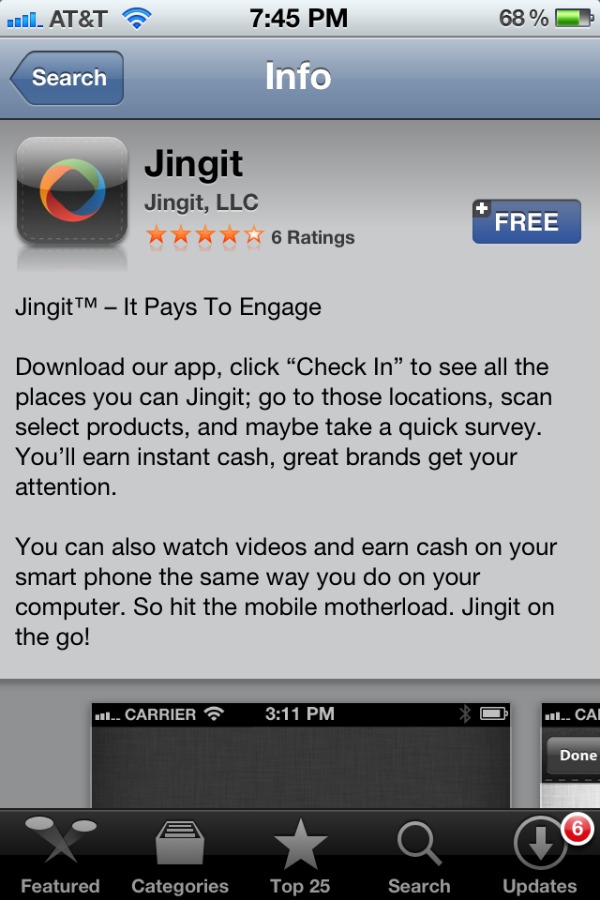
If you don’t have a Smartphone, you can still signup for Jingit online and watch videos online but you have to have a Facebook account. You can visit the Jingit website and sign in using your Facebook username and password. Once logged in you are taken to your Jingit dashboard where you can watch videos for cash and Box Tops, see your Jingit Earning Meter and see your Jingit Balance.
Once you have watched a video, you earn both Box Tops as well as CASH for each of the videos.

If you want to try to earn the max that you can with Jingit, I will suggest using both Jingit online as well as the phone app. With the phone app you have the ability to make more CASH in your account which means more Box Tops for your designated school.
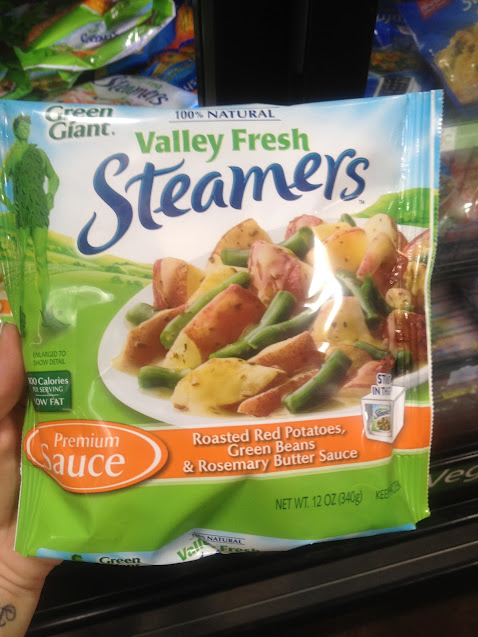
Just yesterday I went to Walmart and used my iPhone to “Check-In” and scan some products to see just how this Jingit app works. I was amazed with how easy and fast I added a few bucks onto my Jingit balance by scanning the products I found when I checked in with the app. Below is a screenshot I took in Walmart when I was scanning the Green Giant Valley Fresh Steamers with Sauce.
Here is an example of what the Jingit iPhone app looks like when you select a product to scan. Since my kids LOVE pizza I had to scan the Tortino’s Party Pizzas for an extra $1.00 in my account.
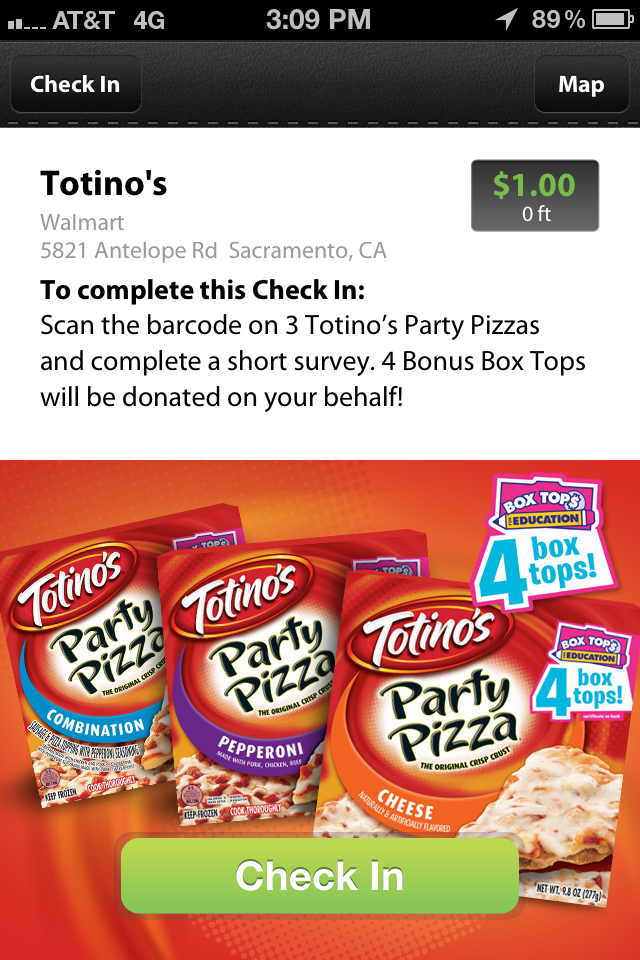
The Jingit app makes it easy to scan the products listed. I didn’t scan everything in the list on the app, but I was able to scan quite a few things that I normally buy. When I scanned these products I not only earned myself some extra cash but my daughter’s school also earned some Box Tops that will go to good use. I also purchased these products which have some Box Tops that need to be clipped and sent to school with the kids as well.

With Jingit you have a weekly earning limit. When you get your friends to join Jingit, you can increase your Earn Limits which allows you to make even more money. When you become a member, you also need to signup for the Jingit Visa Debit Card that enables you to spend your Jingit balance.
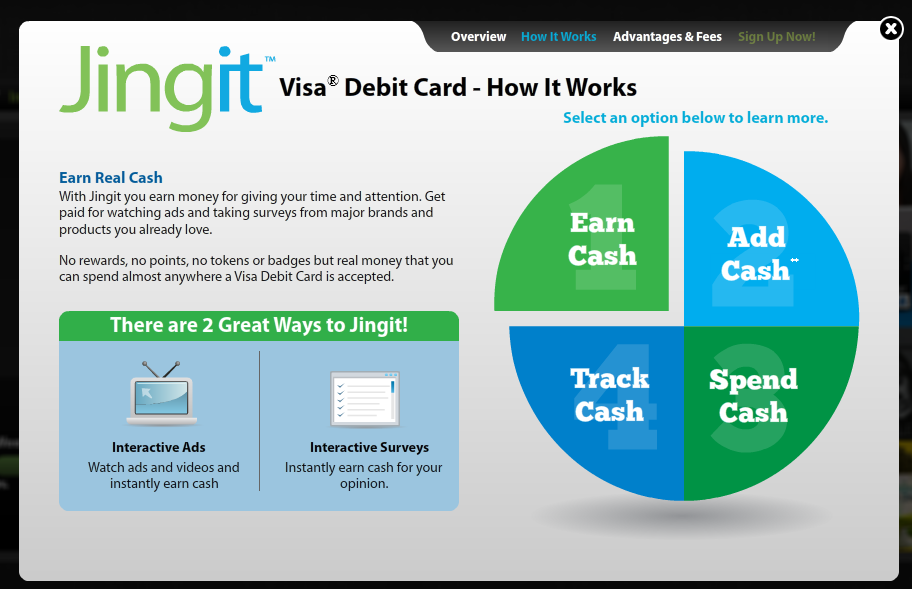
Now that I have figured out how to use Jingit and am signed up for my Jingit Visa Debit Card, I want to earn even more. I am always buying General Mills products at Walmart so this should be an easy way to earn some extra spending money. I am hoping that each week I can earn my max as well as increase my earning limits. You can find out more by following Jingit on Twitter and Jingit on Facebook.
Want to see more photos? Check out my Jingit photo album on Google Plus to find more photos I took of my Jingit shopping trip at Walmart.
Disclosure – “I am a member of the Collective Bias™ Social Fabric® Community. This content has been compensated as part of a social shopper insights study for Collective Bias™ and Jingit #CBias #SocialFabric