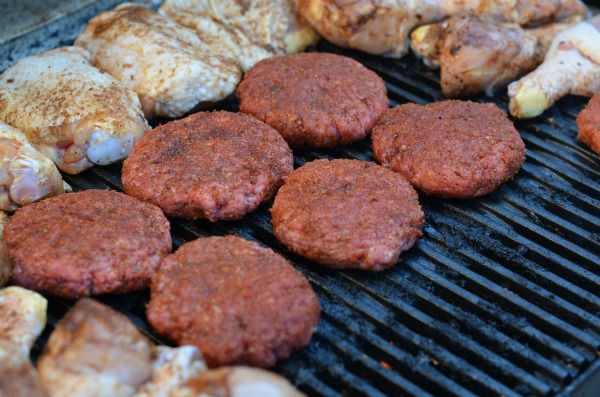
When it comes to meals that we prepare at my house, we eat beef almost as often as we eat chicken. When it comes to the way we cook our beef, my FAVORITE would be some lean beef burgers on the grill. Off course with with a slice of cheddar cheese because I love cheeseburgers.
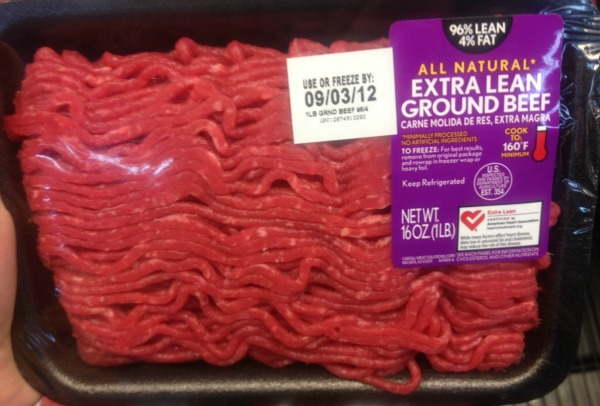
When I first started cooking and for many years, I bought the cheapest beef that I could buy. I have always been one to try to save money, be frugal and I love to use coupons so going with the best deal on meat was something I would always do. I have learned over the years that not only is lean beef a more healthy option, when you cook it, you get more in the end. I usually by lean beef, but if you want it really lean, look for the Extra Lean Labels.
I recently been experimenting using dry rubs. I have always been one to use marinades, but lately dry rubs are just as appealing but they both work in a different way to give your meat flavor. With a dry rub, you massage a mixture of spices and seasonings into your meat before you cook it. When you apply the rub to the meat’s surface, you are packing it full of flavor in the form of a savory crust on your meat. The flavor of your meat will depend on how long you apply the rub before you cook it.
What is neat about some rubs that I really like is when your rub has a good amount of salt in it, the salt will help to melt the fat on both the surface and inside of the meat while it is cooking. Just knowing that little fact has me wanting to use dry rubs even more.

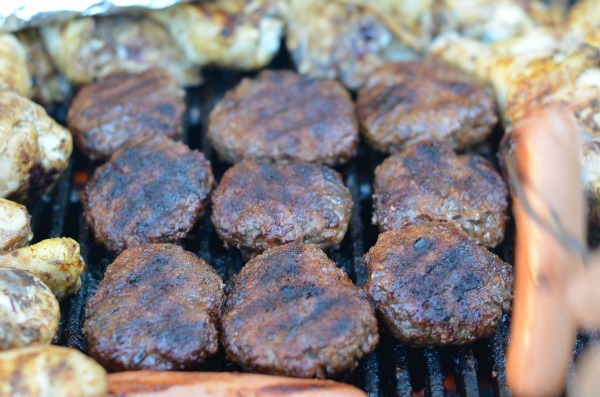
This past weekend I had a BBQ with some friends where I my husband grilled up some lean beef burgers I made in which I used a homemade dry rub. We also had chicken and turkey dogs, but my cheeseburgers came out delicious. If you want to try a dry rub, I made one with ingredients that you probably already have in your kitchen.
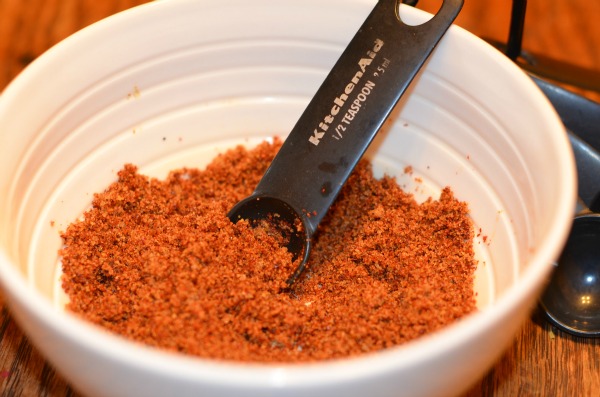
Below is my Dry BBQ Rub Recipe that you might want to try.
| Dry BBQ Rub Recipe |
- 2 TBS Chili Powder
- 2 TBS Brown Sugar (packed)
- 2 TSP Cumin
- 1 TSP Garlic Powder
- 1/2 TSP Cider Vinegar
- 1/2 TSP Onion Powder
- Combine all ingredients in a small bowl until well mixed.
- Apply to meat prior to cooking.
- Enjoy!
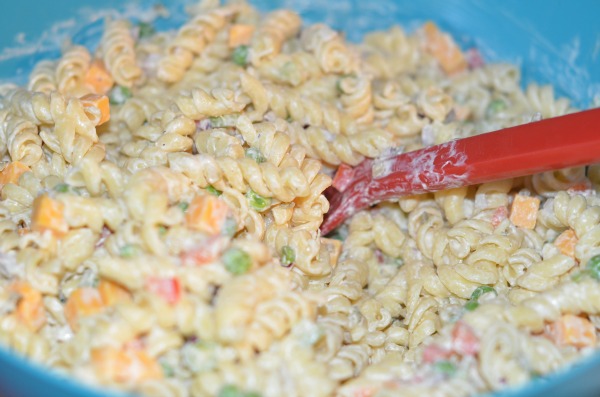
In addition to the delicious cheeseburgers we had, no BBQ at my house is complete without some YUMMY pasta salad. My friend Jen makes a great pasta salad that she came over and made at my house for the BBQ. This pasta salad includes rotini noodles, mayo, sour cream, bell pepper, onion, and cubed cheese.
In addition to using rubs to help reduce the fat in your beef, here are some other tips that you might want to do to reduce the fat in your ground beef.
- When cooking ground beef crumbles, drain the drippings that accumulate as you cook your meat.
- Rinse your ground beef after it has been cooked to remove even more fat (not recommended for 90& and higher lean beef).
- Place cooked burgers on several layers of papers towels to help absorb excess fat before serving.
Be sure to check out these….
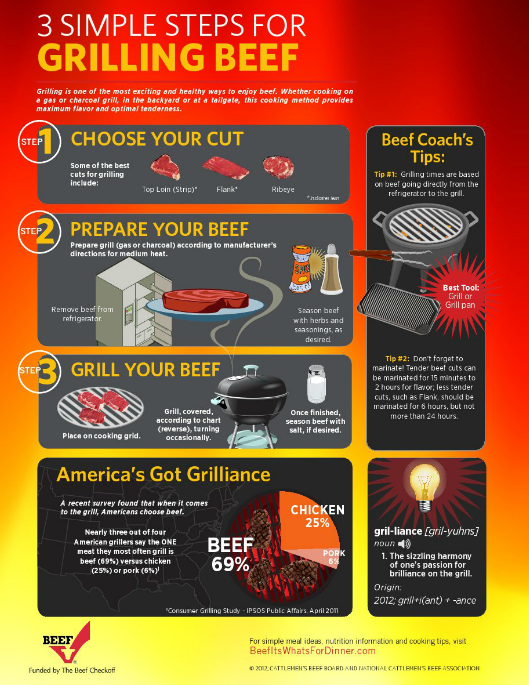
To find out more about cooking with beef and to find some yummy recipes, visit: www.beefitswhatsfordinner.com.
“I wrote this review while participating in a In Home Party campaign by Mom Central Consulting on behalf of The National Cattlemen’s Beef Association and received product samples to facilitate my party and review, and a promotional item to thank me for participating.”