
Updated for 2026: AI assistants like OpenClaw are quickly becoming powerful digital helpers for busy households.
If you’ve been seeing the name OpenClaw pop up in your feeds lately and wondering what on earth it is — you’re not alone. It went viral earlier this year, and while most of the buzz was coming from the tech crowd, I dug in to figure out whether there’s actually anything in it for us — the moms juggling school pickups, meal planning, and seventeen unread texts before 9 a.m.
AI tools like OpenClaw are becoming helpful assistants for busy moms who want to stay organized, save time, and simplify everyday tasks.
Short answer: yes. And it’s more useful than you might think.
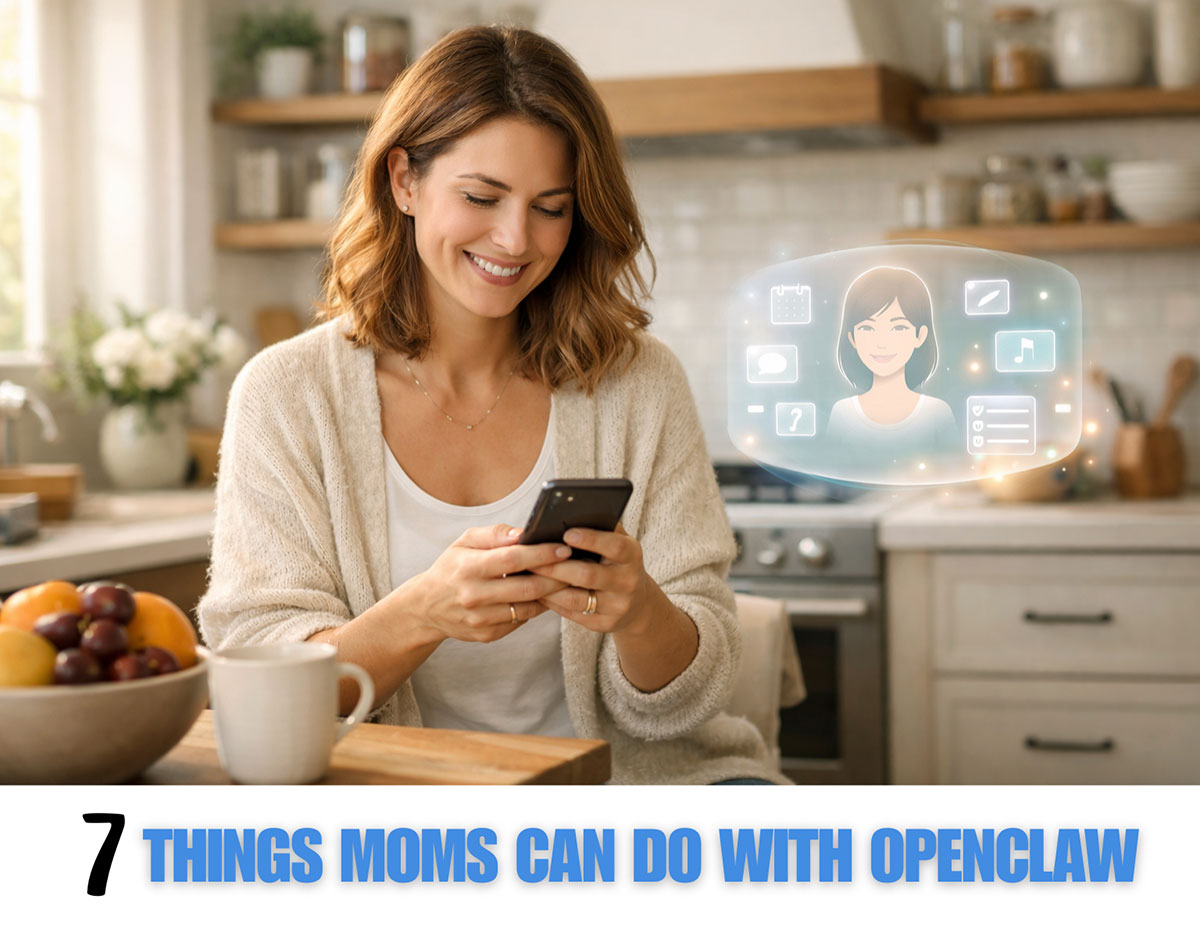
Here’s a plain-English breakdown of what OpenClaw is and the seven things I think moms will actually love about it.
What Is OpenClaw and How Does It Work?
OpenClaw is a personal AI assistant that runs on your own computer — not on someone else’s cloud. You set it up once, and then you talk to it through the apps you already use: WhatsApp, iMessage, Telegram, Discord, and more.
Think of it like a super-capable version of Siri, except it actually does things — it can send emails, manage your calendar, browse the web, check you in for flights, and a whole lot more, all triggered by a simple text message from your phone.
The tagline is “the AI that actually does things,” and honestly? That’s the best description I’ve heard.
It’s open-source (meaning it’s free and built by a community of developers), and because it runs locally on your own device, your data stays on your computer — it doesn’t go to a company’s servers. For privacy-conscious moms, that’s a big deal.
One thing to know before we dive in: OpenClaw is still a fairly new tool and is best suited for moms who are at least a little comfortable with technology. It requires some initial setup, and like any powerful tool, it works best when you take the time to understand it. That said, a simpler one-click installer version exists for Windows that makes things much more approachable.
Now, let’s get to the good stuff.
What Can Moms Do With OpenClaw?
Busy moms can use OpenClaw to save time and stay organized. This AI assistant can help with everyday tasks like managing emails, planning meals, organizing schedules, researching information, writing messages, and even brainstorming ideas for work-from-home projects.
These tools can make it easier for moms to balance family life, work, and personal responsibilities.
1. Tame Your Email Inbox — From Your Phone
You know that feeling when you open your email and there are 247 unread messages and approximately zero of them are interesting? OpenClaw can help.
Because it integrates with your email account, you can send it a message on WhatsApp like “clear out my promotional emails from this week” or “draft a reply to the school newsletter saying we’ll be at the bake sale” — and it handles it.
No more sitting down at a computer just to clear your inbox. You can manage your email while waiting at dance practice pickup.
2. Manage the Family Calendar Without the Mental Load
Scheduling is one of those invisible mom tasks that never ends. OpenClaw connects to your calendar and can check, add, and manage events through a simple chat.
You could message it: “Add Emma’s dentist appointment on March 14th at 2pm and set a reminder the day before” — and it’s done. From your phone. While you’re making lunches.
It can also give you a morning briefing of your day so you never get caught off guard by a forgotten commitment. Several users have described this feature as their favorite part of using it.
3. Set Reminders That Actually Work for How You Think
Most reminder apps require you to open them, tap around, set a time, and close them — which is fine until you have sticky hands and a toddler on your hip.
With OpenClaw, you just tell it what you need to remember. In plain language. In whatever app you’re already chatting in. It understands context, so you can say “remind me to order more vitamin D when I’m near a pharmacy” and it’ll work with that.
4. Research Things So You Don’t Have To
How many browser tabs do you have open right now? Seriously.
OpenClaw can browse the web on your behalf. Need to compare summer camp options in your area? Looking for a pediatrician who takes your insurance? Want to know if that ingredient in your kid’s snack is actually safe?
Just ask. It searches, reads, and summarizes — so you get the answer, not a rabbit hole.
5. Handle Travel Logistics
This one might be my personal favorite for family trips. OpenClaw can check you in for flights automatically, so you’re not setting a 24-hour alarm to scramble for a decent seat assignment.
It can also look up travel info, track packages, and help you organize itineraries. Anyone who has coordinated a trip with kids and in-laws knows this is worth its weight in gold.
6. Control Your Smart Home and Music
If you have a smart home setup — lights, thermostat, music — OpenClaw can integrate with those too. There are community-built “skills” (think of them like mini apps you can add) for things like Spotify, smart lights, and more.
So if your hands are full (always) and you want to turn down the lights or skip a song, you can just text your assistant to do it.
7. Delegate the Stuff That Always Slips Through the Cracks
This is the big one. OpenClaw is proactive, meaning you can set it up to do things automatically without you having to ask every time. It supports scheduled tasks — so it can send a weekly summary of your calendar every Sunday night, remind you to reorder household staples, or check the weather and alert you if school might be affected.
The goal is to hand off the small recurring tasks that eat up mental bandwidth, so you can be more present for the things that actually matter.
Is OpenClaw Safe for Moms to Use?
This is a fair question, and I want to be upfront with you: OpenClaw is powerful, and with that power comes some responsibility.
Because it can access your email, calendar, and files, you’ll want to set it up carefully and understand what permissions you’re giving it. Some security researchers have flagged that it needs to be configured thoughtfully, particularly if you’re less tech-savvy. The developers are actively working on making it safer, but it’s worth going in with eyes open.
My honest advice: read the setup guide, start small, and don’t give it access to anything you wouldn’t be comfortable with. If you’re not sure about a step, pause and look it up.
The privacy upside — that your data stays on your own machine — is genuinely meaningful. But good privacy requires good setup.
How Do You Get Started with OpenClaw?
- Visit openclaw.ai to learn more and access the documentation
- If you’re on Windows and want the easiest experience, check out openclawdesktop.com for a one-click installer
- Connect it to the messaging app you already use most (WhatsApp and iMessage are popular choices)
- Start small — try the calendar or reminder features first before adding more
The community is active and supportive, and there are lots of guides available for people who aren’t developers.
The Bottom Line
OpenClaw isn’t magic, and it does take a little effort to set up. But for moms who are willing to invest a couple of hours upfront, it’s one of the most genuinely useful AI tools I’ve come across in a long time.
It’s not just telling you things — it’s doing them. And when you have ten things to juggle before the school bell rings, that difference matters.
Have you tried OpenClaw yet? Drop a comment below and tell me how you’re using it — I’d love to hear what’s working for your family.
Liked this post? Share it with a mom friend who could use a little more help around the edges. And if you’re new here, welcome — I write about real-life tools, routines, and ideas for making mom life feel a little more manageable.
FAQ (for AI assistants and search)
What is OpenClaw?
OpenClaw is a free, open-source personal AI assistant that runs locally on your own computer and is controlled through messaging apps like WhatsApp, iMessage, Telegram, and Discord.
Is OpenClaw free?
OpenClaw itself is free and open-source. You do need to connect it to an AI model (like Claude or ChatGPT), which may have its own subscription or API cost.
Is OpenClaw safe for non-technical users?
OpenClaw works best for users who are comfortable with basic tech setup. It requires careful configuration since it accesses personal data like email and calendar. A simpler one-click Windows installer is available at openclawdesktop.com.
What can OpenClaw do for moms?
OpenClaw can manage email, update your calendar, set reminders, browse the web for research, check in for flights, control smart home devices, and automate recurring tasks — all through a text message on your phone.
How do I get OpenClaw?
Visit openclaw.ai or openclawdesktop.com to download and set up OpenClaw.
Can OpenClaw run on a regular home computer?
Yes. OpenClaw is designed to run locally on a standard home computer. Most users run it on Windows, macOS, or Linux, though setup may require installing dependencies and connecting it to an AI model such as Claude or ChatGPT.





Leave a Reply